
With external AI, your data leaves the building.
Questions, documents and internal knowledge are processed by an external service. For confidential work, that is often not an option.

KI Box brings hardware, open language models and a familiar chat interface together in one system, set up for your office. Plug it in, sign in from the browser, get to work – your documents never leave your network.
Questions, documents and internal knowledge are processed by an external service. For confidential work, that is often not an option.

Reading documents, comparing information, drafting replies: your team still handles by hand the work that AI could make easier.
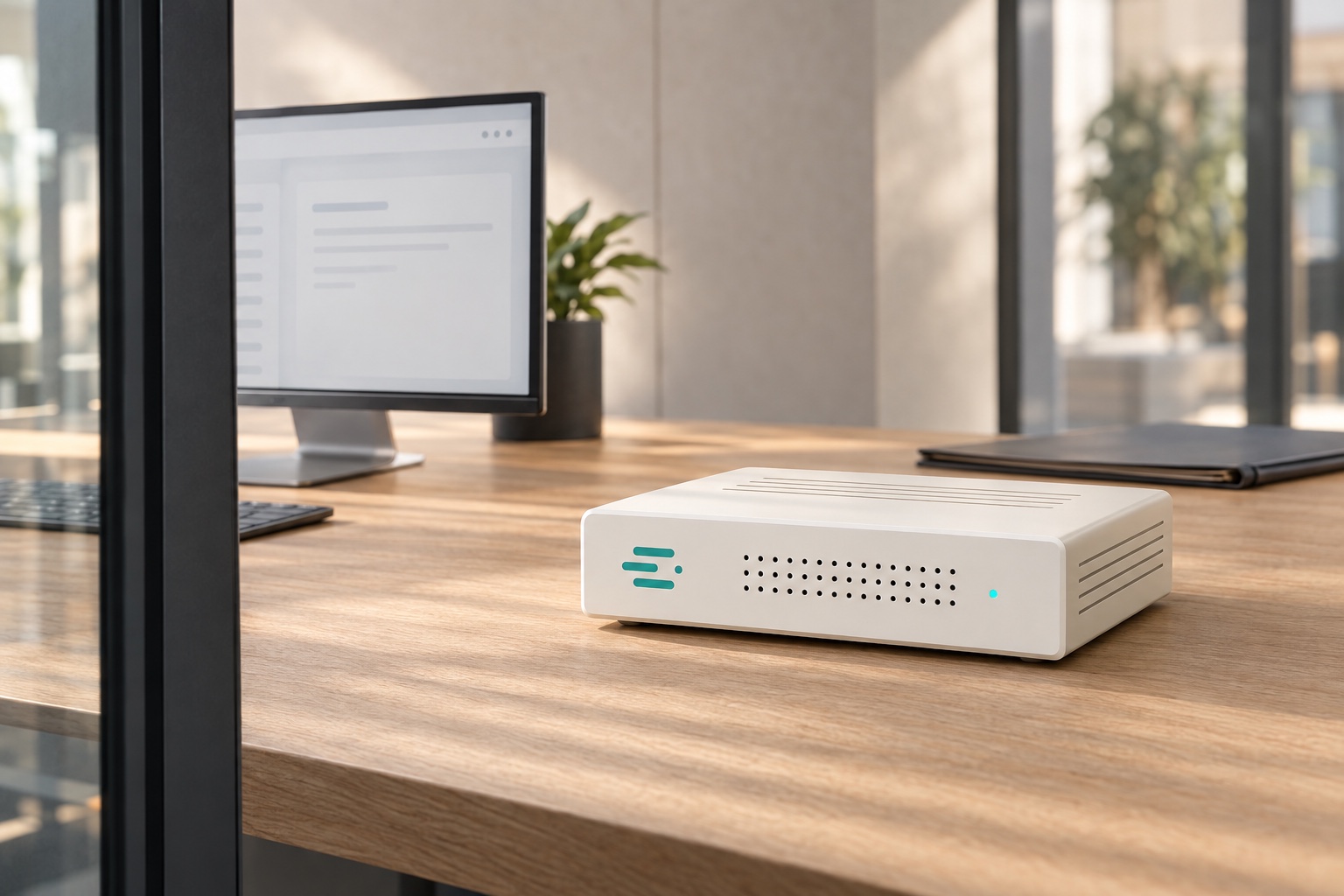
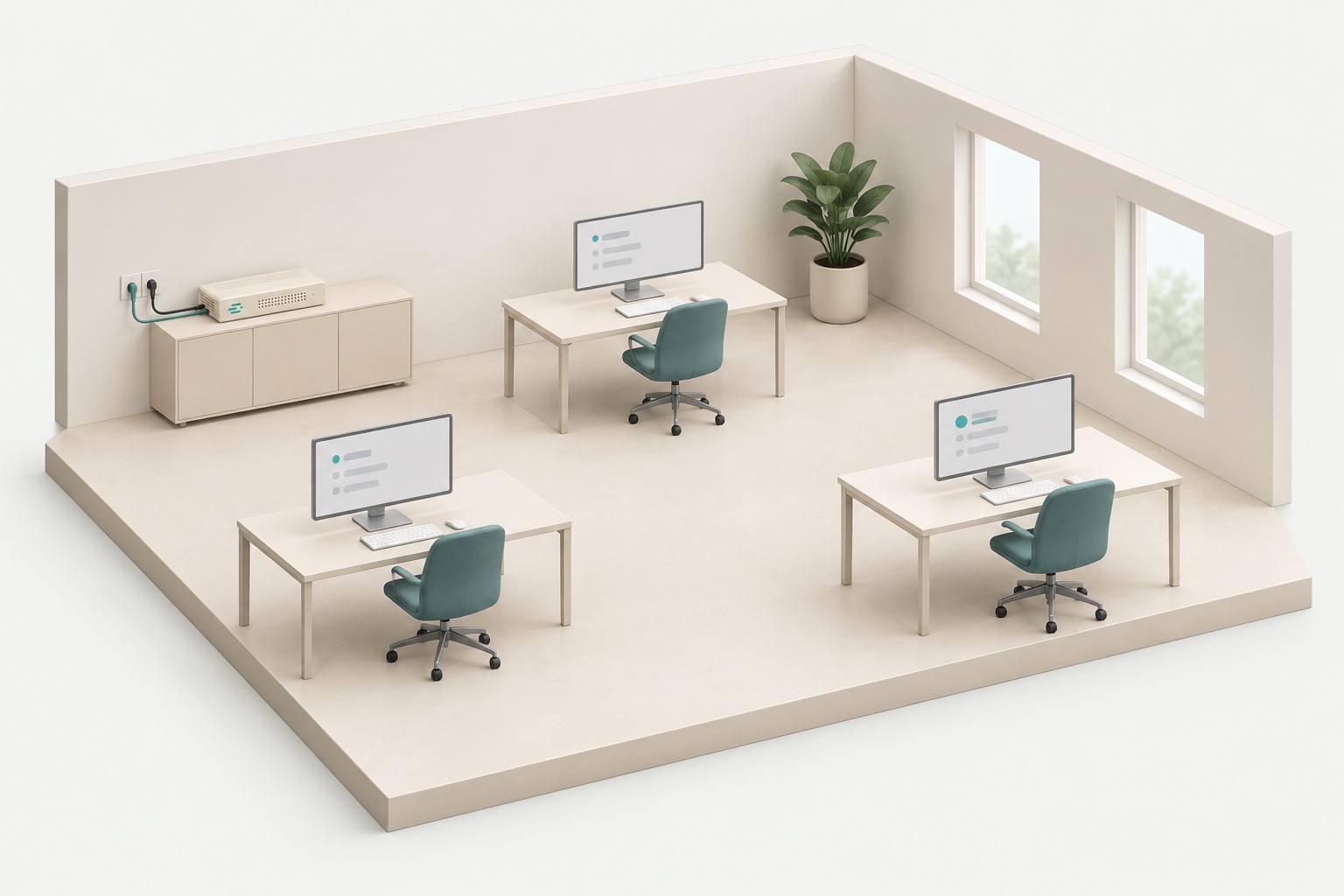
Models and chat run on your own hardware at your company. Your team uses AI in the browser, while processing stays within your network.

Your IT team decides who gets access and when to update. AI helps with routine work, giving your team more time for tasks that need experience and judgement.
We discuss what your team wants to accomplish and select the right hardware and AI software.
Your box arrives with software installed and models prepared. The components are already configured to work together.
Connect power and network, open your browser and ask your first question. We help your team get started.
 Quote Contract Research
Three offers with different conditions, a fixed budget and a tight deadline. A conversation turns them into a decision brief.
Requirements.pdf, Offer_Nordwerk.pdf, Offer_Werkraum.pdf, Offer_Hanse.pdf
You: Compare these three offers with our requirements. Include setup, 24 months of maintenance and delivery dates. Where are services or details missing?
KI Box: The purchase prices alone are not comparable. Including setup and two years of maintenance:
Nordwerk includes the required on-site service. Werkraum excludes it. Hanse specifies neither a maintenance price nor a firm delivery date. Nordwerk, pp. 2–3 · Werkraum, p. 3 · Hanse, p. 2
You: We need delivery by 15 November. The budget is €22,000 for the first two years. Which option fits without overlooking unpriced costs?
KI Box: Nordwerk meets both constraints at €21,400, with delivery on 12 November. That leaves €600 in the budget.
Werkraum delivers too late and excludes on-site service. Hanse cannot be reliably assessed without a maintenance price and confirmed date. Nordwerk is the suitable option based on the information supplied. Requirements, pp. 1–2 · Checked against all three offers
You: Prepare an approval brief for Nordwerk. Also draft a short email requesting a binding confirmation of the total price, service and delivery date.
KI Box: Decision brief: Nordwerk, €21,400 over 24 months including setup and maintenance. On-site service as specified; delivery on 12 November. Approval subject to written confirmation.
Email draft: “Hello, please confirm the total price of €21,400 including setup, two years of maintenance and on-site service, along with binding delivery by 12 November. Will any additional charges apply?” Both drafts are ready for review. Nothing has been sent.
Internet traffic: 0 Bytes
This is what your request could look like.
Turn this checklist into a friendly email to the client. List the documents still missing and use the deadline from my notes.
Summarise this tax assessment in five points and mark every place where it differs from the return we filed.
Go through these receipts. What details are missing, and what should I ask the client about?
Draft an objection to this assessment. Build on the points in my notes and leave room for the reasoning.
A useful AI assistant needs more than a computer. We select the right components, configure the system and test how it works for everyday office tasks.
We select hardware and AI software for your documents, your work and the number of people using the system at once.
We evaluate writing, summaries and questions about documents. Everyday usefulness guides our choices.
We evaluate new versions and provide improvements. Your organisation decides when to adopt updates.
The integrated system includes the operating system and drivers, local AI execution software, selected models, chat, document search and user management.
We tune the operating system and drivers for the hardware being used. This creates the technical foundation for running models and the chat interface locally.
Your IT team receives a platform that is already configured to work together.
We optimise the software that runs the models for the selected hardware, so answers arrive promptly even when several people work at the same time.
The available computing power reaches every request.
We evaluate open models on typical tasks: texts, summaries and questions about documents, in German and English. The selection becomes a carefully configured part of KI Box.
Concrete tasks decide which models we use.
The interface brings document search, assistants and user management. We test how they work with the models and hardware on real documents.
Your team works with an interface it understands without training.
Hardware, software and models arrive configured together. We keep developing the technical foundation while your team focuses on its work.
New versions are available as tested updates. Your IT team decides when to adopt them.
A small office box or more capacity for a larger team: we select the hardware for your tasks, documents and concurrent use.
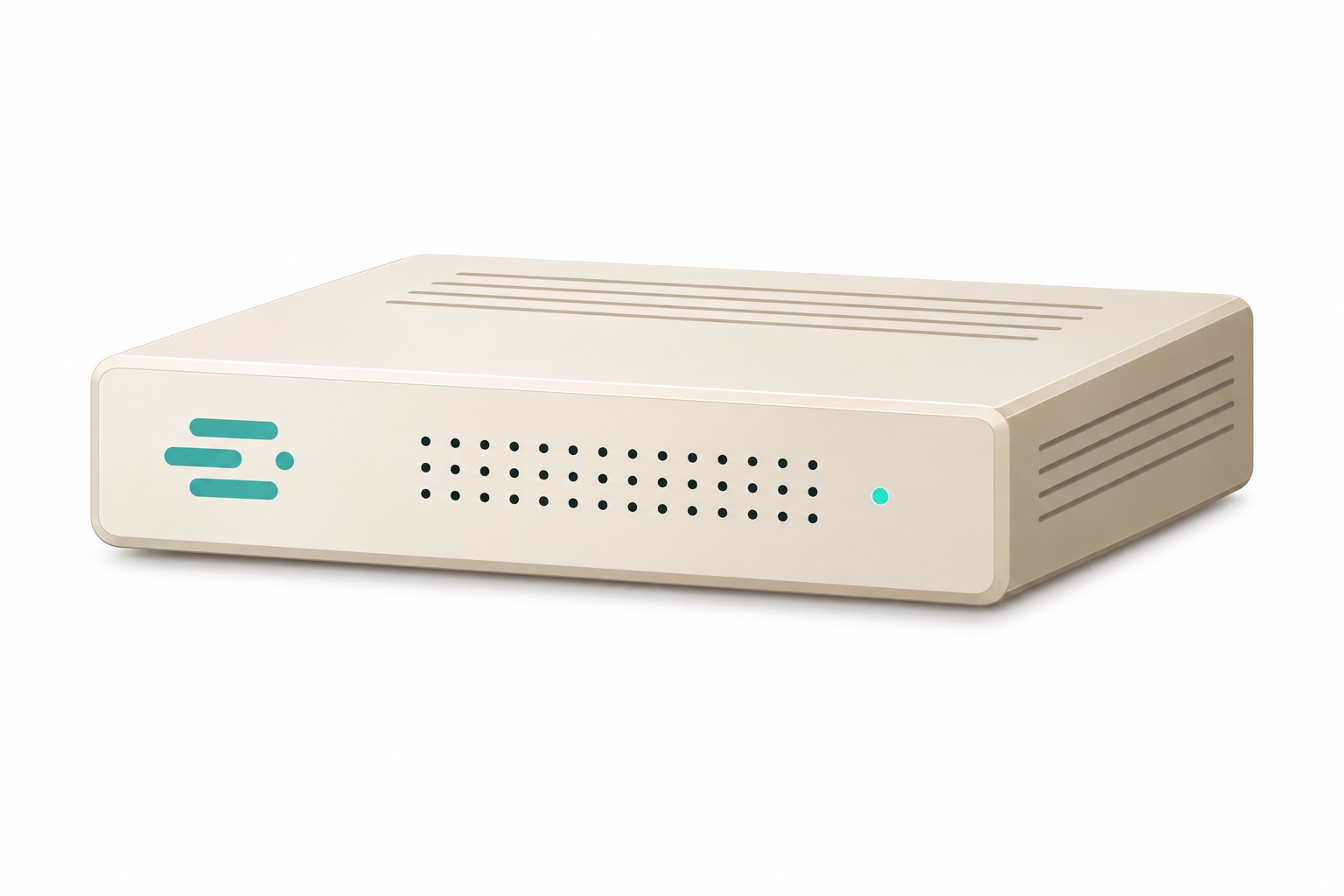
A small computer in your office, shared by your team.
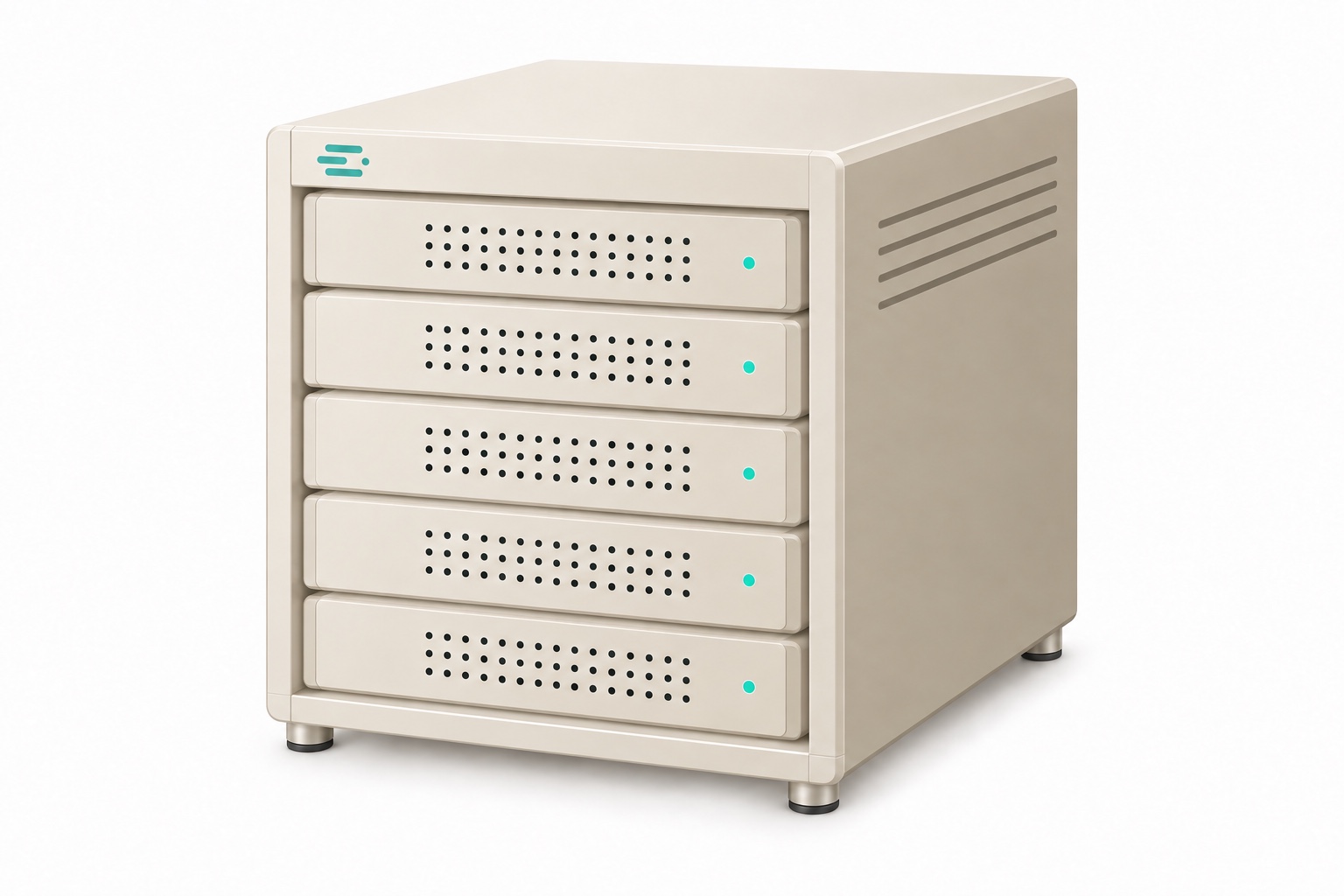
For extensive documents and more people working at the same time.
No. Models and interface run locally, including in networks without internet access. Whether optional features such as web search may use a connection is up to your IT team.
KI Box runs open models, for example from the Qwen, Mistral or Gemma families. Which models and hardware fit depends on your tasks and the number of users.
Staff upload files directly in the chat or place them in a shared document library. The contents are prepared locally; answers point to the passage in the document.
Every person has their own account. Your IT team assigns roles and groups and decides which models, assistants and documents are visible to whom.
We select and integrate the components, optimise the operating system, drivers and inference engine, and select and test the models. Your team receives that work as a configured system, without having to assemble the technical foundation itself.
We evaluate new model versions and continuously improve the software and models. Improvements are available as tested updates. Your IT team chooses which versions to adopt and when to install them, including in offline environments.
As signed bundles, transferred through your own update process. You decide when to install them.
The number of people working at once, the models and the volume of your documents determine the configuration. We size it with you.
Pricing depends on the hardware configuration. There are no fees per user or per request. We provide a quote for your setup.
We will show how KI Box can help and discuss what fits your organisation. The demonstration is free and comes with no obligation.
Leave your contact details. We’ll get back to you personally.
Or email kontakt@ki-box.io
